



Thor Fortune on Mobile Devices
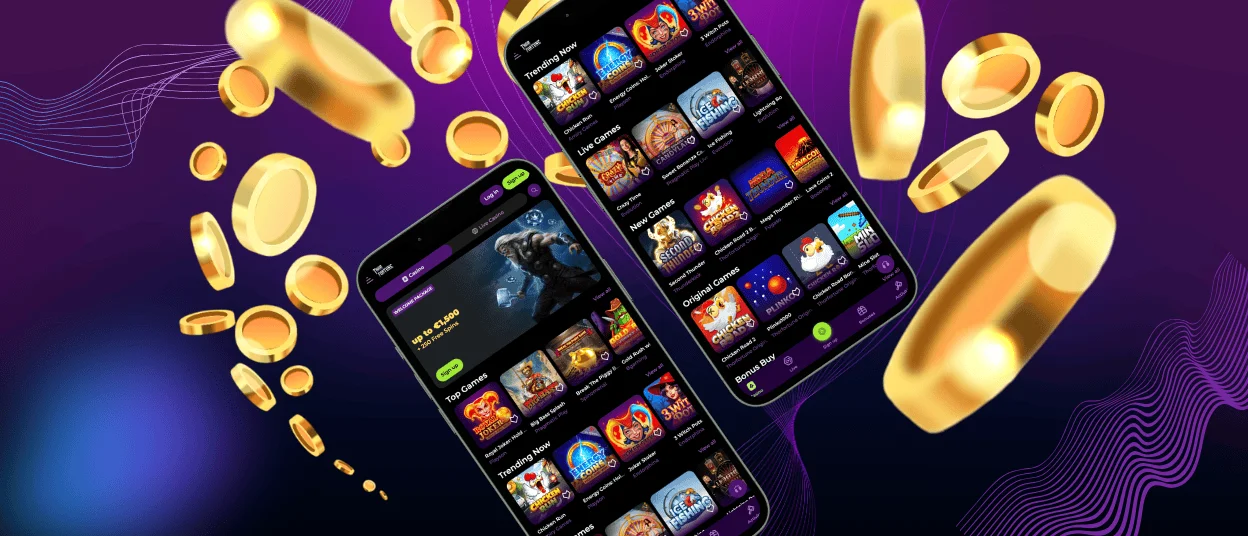
The Thorfortune app offers a modern approach to casinos. Our app is available for Android and iOS devices. Thorfortune software provides access to all games and casino management tools. The app interface adapts to any screen size. You can play at home or on the move. All main features are easy to find, as everything is designed for simple and comfortable use.

Thorfortune Mobile Access
Thor Fortune Casino offers a mobile app and a PC version. Each option has its own advantages. Both versions provide full access to games, payments, and all other platform tools. The main difference is how and where to play.
The Thorfortune app lets you play the casino anywhere. It is optimized for touch control and small screens. The software launches quickly without opening a browser. Push notifications are the app’s main advantage, as they inform players about all platform events and updates.
The PC version offers a larger screen and is designed for use with a mouse and keyboard. It is suitable for players who prefer a wide screen, for example, in online slots and games with live dealers. Both versions let you deposit and withdraw funds, complete the verification process, and use responsible gaming tools.
Thorfortune iOS App
The Thorfortune app for iOS works on any iPhone or iPad device. It launches in Safari and does not require downloading from the App Store. The app functions as a quick-access shortcut with fast loading. Players receive notifications about new promotions, tournament results, updates, and new game releases. An icon has been added to the home screen for instant access to the Thorfortune Casino. The installation process is simple and takes only a few seconds. The app does not take up much space on your device, and everything is clear and fast.
How to Install the Thorfortune Casino iOS App
- First, you need to open the Thorfortune website in Safari.
- Second, you should tap the “Share” icon at the bottom of the screen.
- After that, you are supposed to select “Add to Home Screen.”
- Then you have to tap “Add” to confirm.
- Now you can launch the app from your home screen.
Thorfortune Android App
The Thorfortune app for Android is available as a progressive web app (PWA). We do not use APK files for installation. Our PWA runs in your browser and can be installed from our official website. This format provides faster access without the need to download third-party applications. The Thorfortune app provides full access to games and all of our casino’s tools. It works on Android devices with an advanced gaming experience.
| Feature | PWA | APK |
| Installation Source | Installed from our website | Installed with an external file |
| Storage Usage | Minimal device storage | Requires file download |
| Updates | Automatic updates | Manual updates required |
| Security | Runs within a secure browser | Depends on the file source |
| Accessibility | Instant access | Requires an installation process |
The Thorfortune app for Android is fast and easy to use. You get full access to games, payments, bonuses, and account settings. Most importantly, when you choose to play through the app, you can receive notifications from the Thorfortune Casino. Notifications keep you up to date with all events and updates on the platform. If you are participating in a tournament, you can track your ranking through notifications. In addition, as part of some promotions, you can receive VIP status from us even if you are not a high roller. If you win, we will send you a notification. The platform works best on your Android device with our software.
Windows and Mac Applications
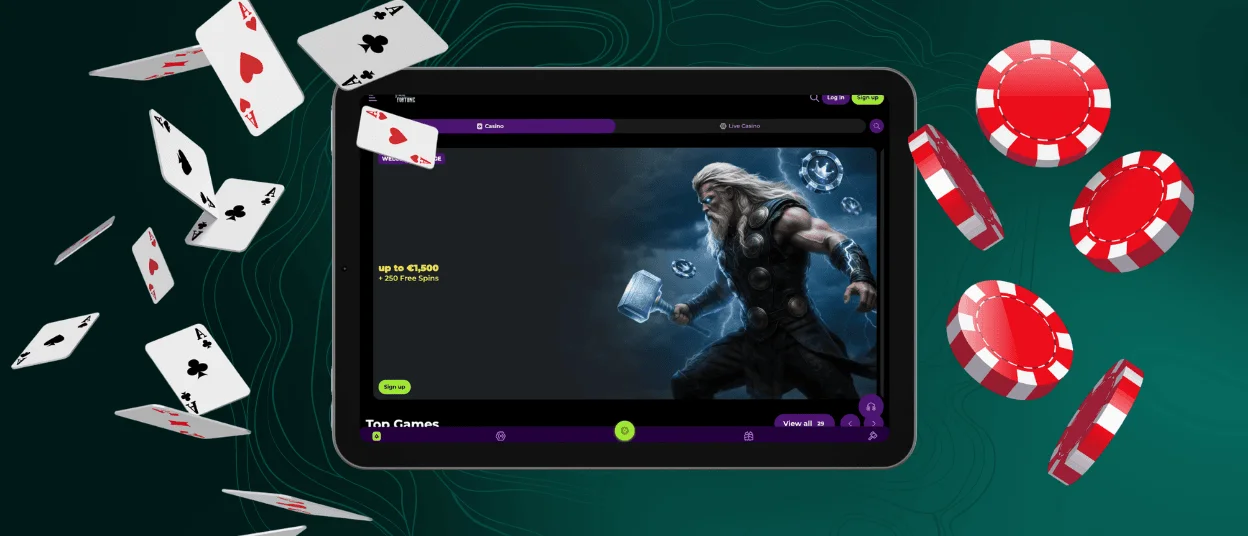
Thorfortune Casino has a web application for PCs running Windows and Mac. There is no need for complicated installation or large downloads. Players can create a shortcut on their desktop to access the Thor Fortune website. The shortcut works as a separate web application with one-click access.
The web application for PCs provides full access to all mobile casino features. Users can play games, manage their accounts, complete verification, and make deposits or withdrawals. The Thorfortune Casino interface is designed for large desktop screens and supports high-quality streaming. All games are streamed in the highest quality thanks to the performance of a desktop computer.
FAQ
Is Creating an Account Required to Use the Thor Fortune App?
Yes. To use the Thorfortune app, you need to create an account. Once registered, you can play any games, receive bonuses, deposit, and withdraw funds. Without an account, you cannot use the platform. The registration process only takes a few minutes. After the registration, you can log in and start playing right away.
Does the Thor Fortune Casino App Offer Customer Support?
Yes. Through the Thorfortune Casino app, you can contact customer support via live chat. Customer support is available 24/7 and responds quickly to questions. Our professional support team is available to assist with any questions. You can also get help by emailing us.
How to Update the Thor Fortune Casino App?
The Thor Fortune Casino app updates automatically. It is a web app, so there is no need to download updates manually. When you open the program, you are always using the latest version. You can simply open the app and be sure that you are now streaming the latest version with updated features.


